Upscale an image
to 4K.
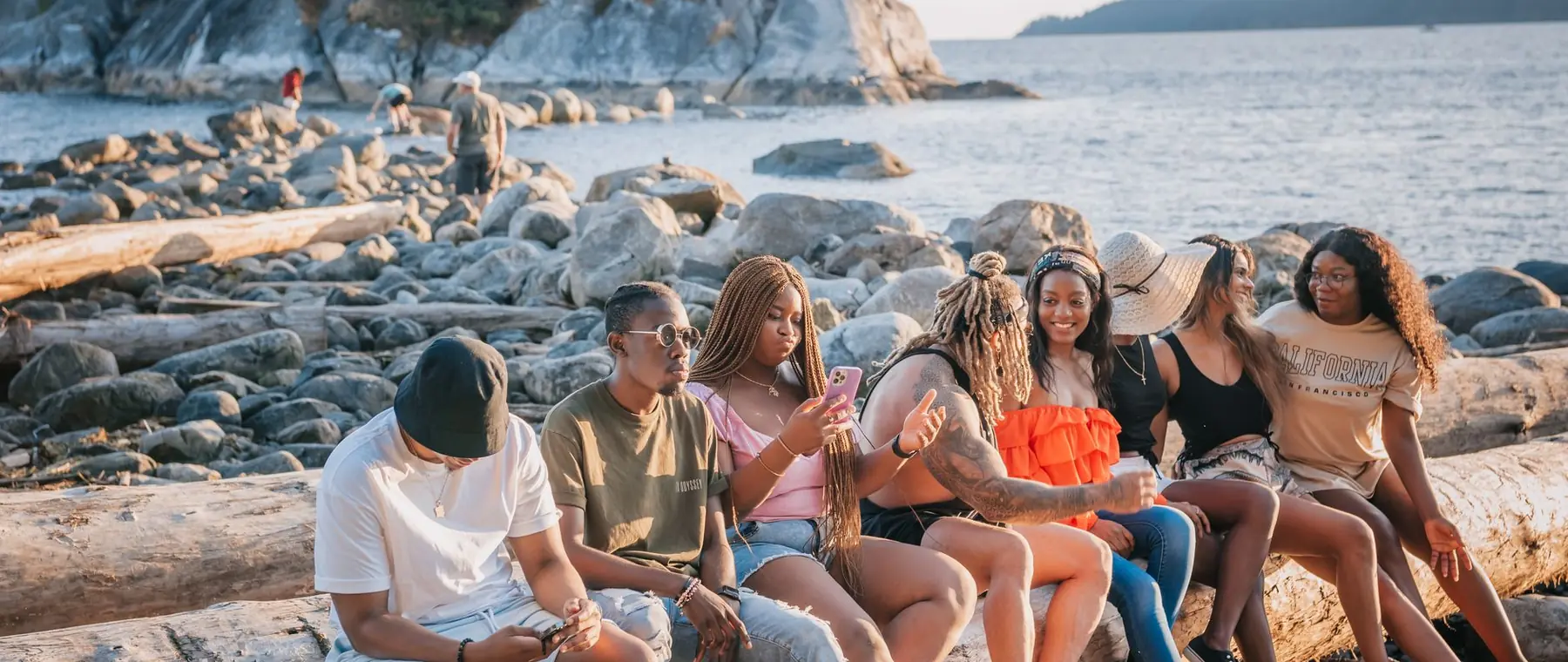
Small photos come back at 4K with real detail, not a stretched copy.
Choose a photo or drop it hereUpscale an imageFull resolution · No watermark · Powered by SeedVR2
How to upscale images in 3 steps
Upscaling takes one tap. Pick the image, and the AI rebuilds it at a bigger size.
 Upload your photoChoose a small or low-resolution image: a thumbnail, an old phone photo or a tight crop.
 Run Enhance 4KPress Enhance 4K. The image is rebuilt at up to 2160p with real edges and texture.
- Download the resultZoom in to check the detail, then download the full-size file with no watermark.
Your photos are never used to train AI.
Why people choose PixelPro to upscale images
Upscale an image- Real detail at 4KTexture and edges are rebuilt as the image grows, so it holds up when you zoom in.
- Print-ready sizesSmall photos come back at up to 2160p, enough for a sharp print or a full-screen display.
- Noise cleaned, not magnifiedGrain and JPEG blocks are removed on the way up instead of being blown up with the image.
- Faces stay trueThe upscaler keeps the same person and adds no invented features.
Who is the AI image upscaler for?
For anyone who needs a bigger version of a photo than the one they have.
 BeforeAfterPrints and framesOld phone photos and small scans sized up for prints, canvases and albums.
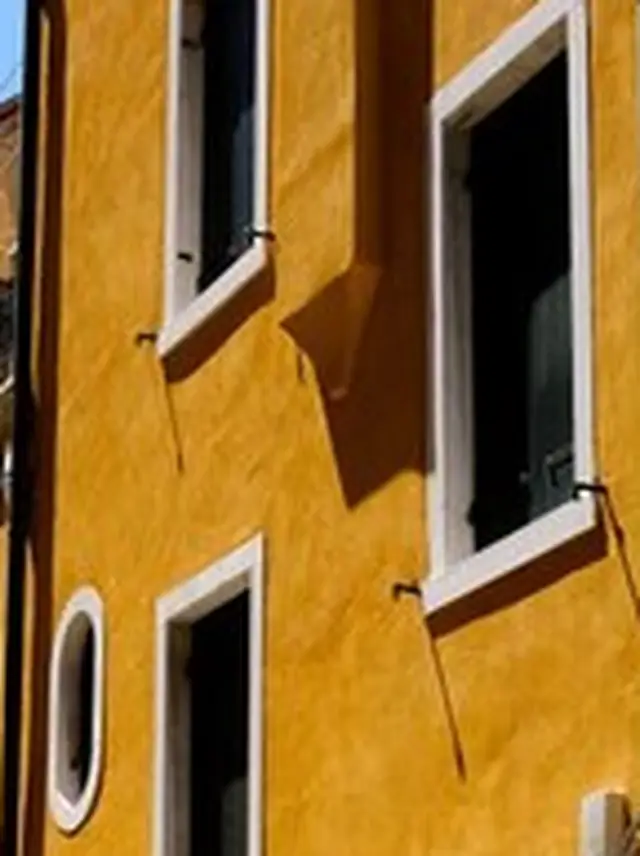
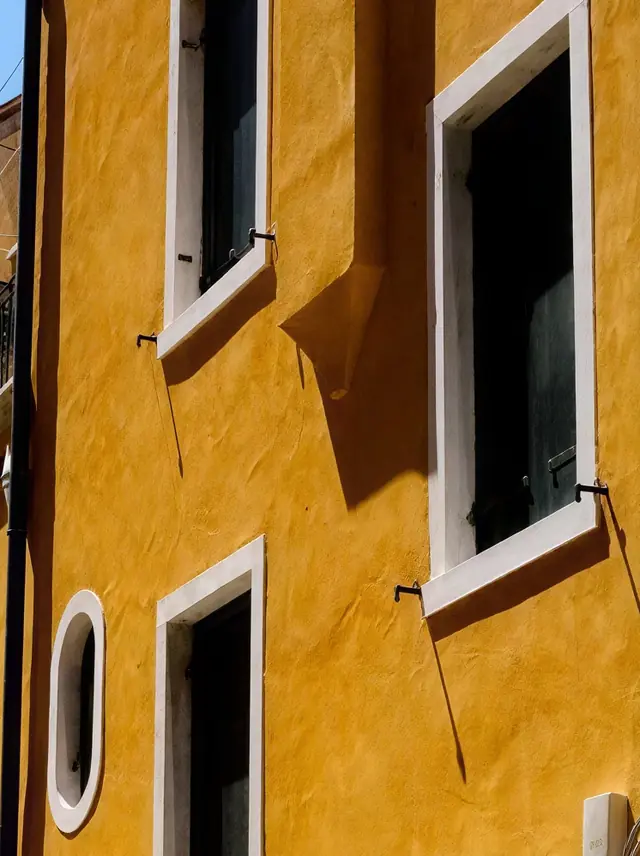
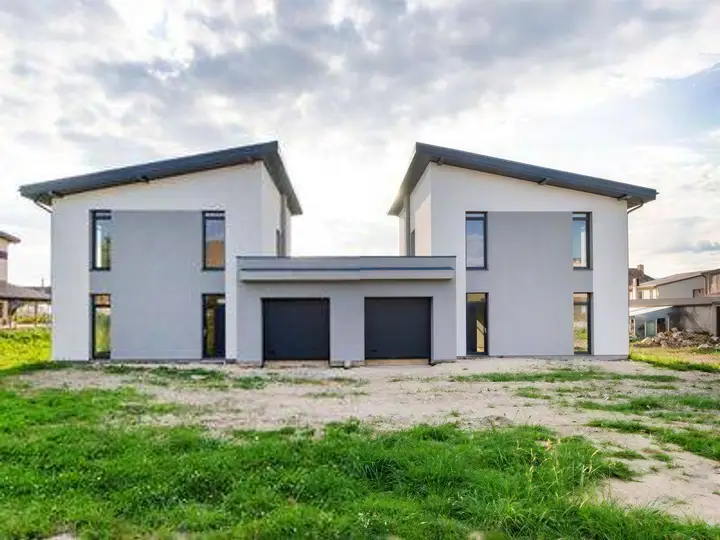 BeforeAfterReal estate and architectureProperty and building photos sharp enough for listings and big screens.
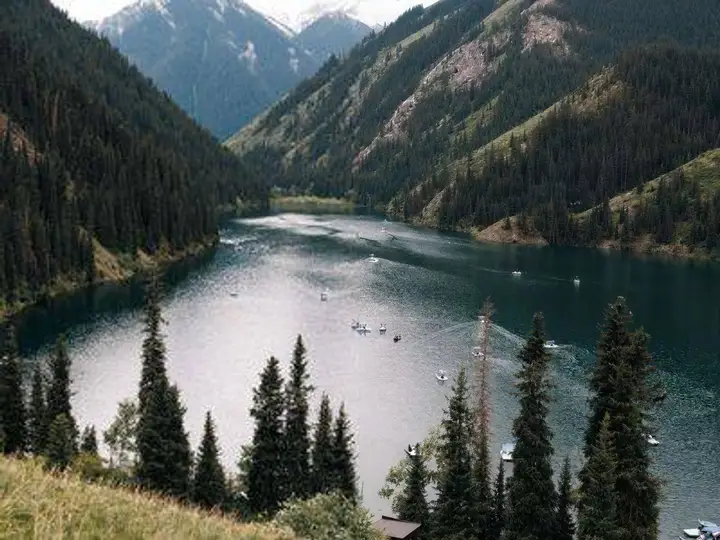
 BeforeAfterDesigners and marketersLow-resolution assets sized up for banners, decks and print.
Everything the AI image upscaler fixes
What changes when the upscaler makes your image bigger.
Upscale an image- ResolutionSmall photos come back at 2160p, sized for print and big screens.
- DetailTexture is reconstructed, not stretched from the pixels you had.
- EdgesText, hair and fine lines stay crisp instead of going soft.
- NoiseGrain and JPEG blocks are cleaned on the way up, not magnified.
Frequently asked questions
Is this the same as resizing?
No. Resizing stretches the pixels you already have, so the bigger image looks soft. The upscaler rebuilds edges and texture, so it holds up when you zoom in.
How big does the image get?
Up to 4K (2160p), enough for a sharp print or a full-screen display.
Can I upscale an image for printing?
Yes. Enhance 4K brings small images up to 2160p, which prints sharply at common photo sizes.
Do I need to install anything?
No. PixelPro runs in your browser on any phone or computer, upload, run the tool, download.
Will my photos be used to train AI?
No. Your photos are processed only to produce your result and kept so you can download it again. They are never sold or used for training.
Do downloads have a watermark?
No. Every download is full resolution with no watermark, and you can use it commercially.
How much does it cost?
PixelPro is a subscription with all thirteen tools included. Start at $1.99 for 7 days, then $29.99/month, or save with the quarterly plan. Cancel anytime from your account.