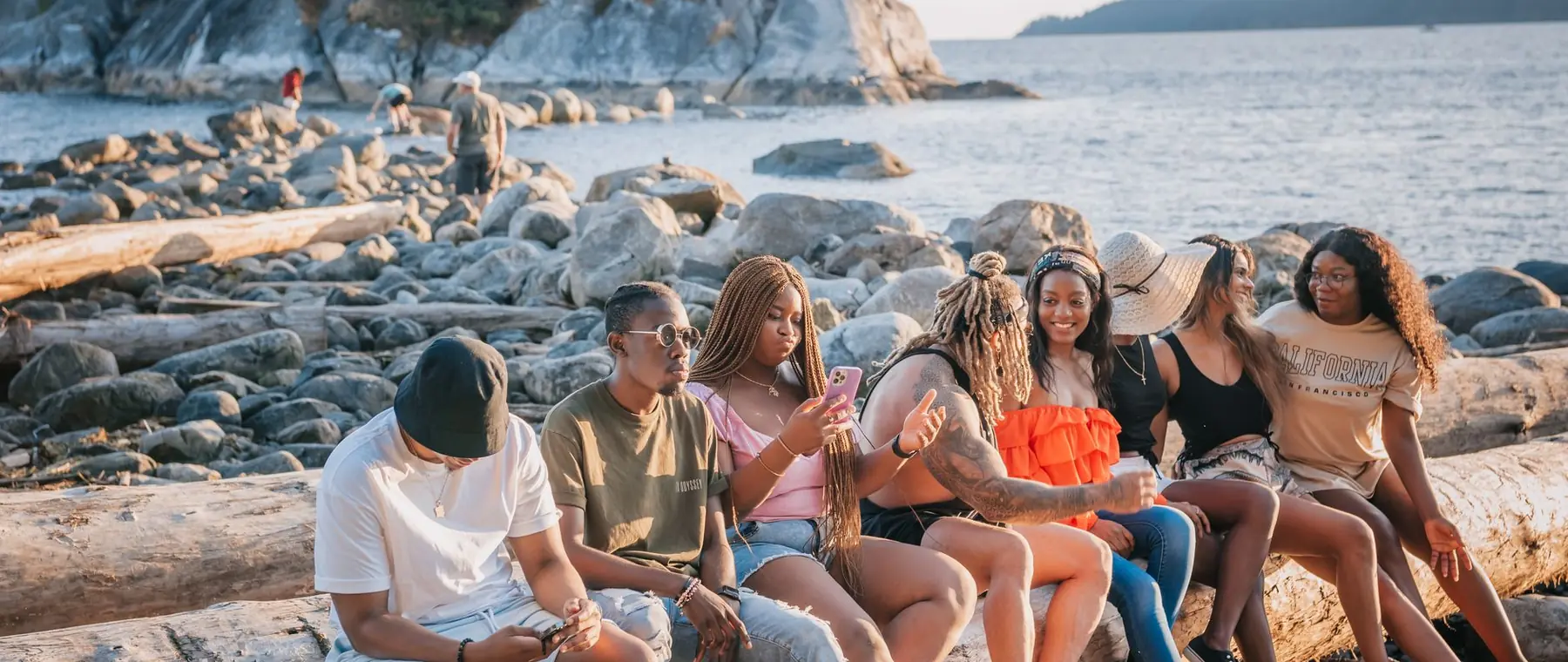

Turn a selfie into
a headshot.
Studio, editorial, suit or outdoor, from one photo you already have.
Choose a photo or drop it hereMake a headshotFull resolution · No watermark · Powered by Nano Banana
How to make professional headshots in 3 steps
Upload one photo and pick a style, the headshot is generated in seconds.
 Upload your photoChoose a clear photo of your face: a selfie or a casual portrait works.
 Run HeadshotPick a style (suit, casual, outdoor, studio, editorial or mono) and press Headshot.
- Download the resultDownload your headshot at full resolution for LinkedIn, CVs and team pages.
Your photos are never used to train AI.
Why people choose PixelPro to make professional headshots
Make a headshot- From a photo you already haveNo studio booking, a clear selfie or casual photo is enough.
- Styles that fit the jobSuit, casual, outdoor, studio, editorial or black and white.
- Professional framing and lightHead-and-shoulders crop with studio-style light instead of phone flash.
- Built around your likenessThe headshot is generated from your face, not from a stock model.
Who is the AI headshot generator for?
For anyone who needs a professional photo without booking a photographer.
 BeforeJob seekersA polished photo for LinkedIn and CVs.
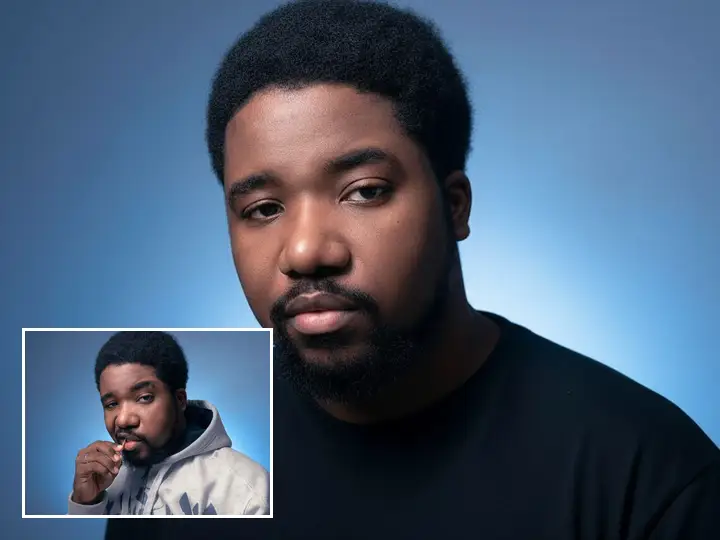 BeforeTeams and foundersConsistent headshots for company and pitch pages.
 BeforeCreators and speakersA sharp profile photo for bios and event pages.
- FramingHead and shoulders at professional crop.
- WardrobeSuit, casual or editorial from the photo you have.
- LightStudio key and fill instead of phone flash.
- LikenessIt still has to look like you, that is the test.
Frequently asked questions
What photo should I upload for an AI headshot?
A clear, well-lit photo of your face looking at the camera. One photo is enough.
Can I use the headshot on LinkedIn?
Yes. Downloads are full resolution with no watermark.
Do I need to install anything?
No. PixelPro runs in your browser on any phone or computer, upload, run the tool, download.
Will my photos be used to train AI?
No. Your photos are processed only to produce your result and kept so you can download it again. They are never sold or used for training.
Do downloads have a watermark?
No. Every download is full resolution with no watermark, and you can use it commercially.
How much does it cost?
PixelPro is a subscription with all thirteen tools included. Start at $1.99 for 7 days, then $29.99/month, or save with the quarterly plan. Cancel anytime from your account.