

Change the background
of a photo.
A studio, a street, a plain colour, the subject stays exactly as photographed.
Choose a photo or drop it hereChange a backgroundFull resolution · No watermark · Powered by PixelPro Eraser
How to change photo backgrounds in 3 steps
Pick a photo and describe a scene. The subject stays, everything behind it changes.
 Upload your photoChoose a photo with a clear subject: a person, a pet or a product.
 Run Change BGDescribe the new background or pick an idea, then press Change BG.
- Download the resultDownload the new photo at full resolution with no watermark.
Your photos are never used to train AI.
Why people choose PixelPro to change photo backgrounds
Change a background- Subject untouchedThe person or product stays exactly as photographed, hair edges included.
- Any scene you describeA studio, a street, a beach or a plain colour, pick an idea or write your own.
- Blended, not pastedThe new scene is generated around your subject, so it sits naturally in the frame.
- Ready in secondsNo masking or compositing. One tap and download.
Who is the background changer for?
For when the photo is right but the place is wrong.
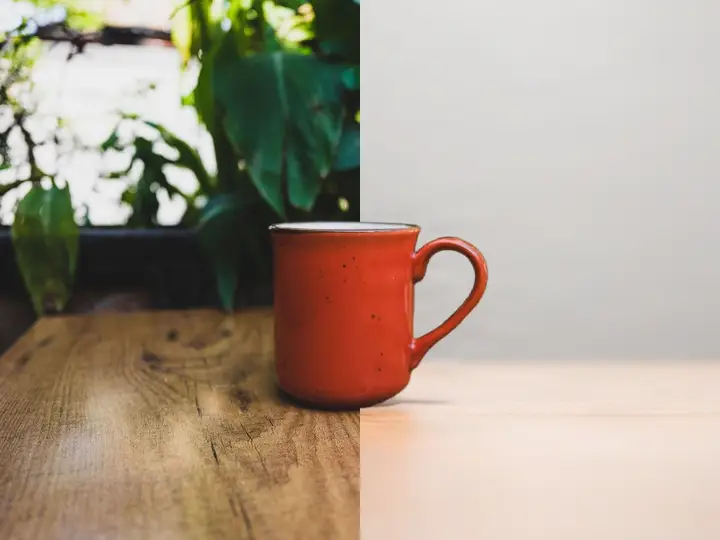 BeforeAfterOnline sellersProducts placed in clean studio or lifestyle scenes without a photoshoot.
 BeforeAfterProfessionalsA clean, neutral backdrop for profile and team photos.
 BeforeAfterCreatorsFresh scenes for thumbnails and social posts.
Everything the background changer fixes
What the background changer keeps, and what it replaces.
Change a background- The subjectStays exactly as photographed, including hair edges.
- The sceneStudio, street, plain colour or your own description.
- Blended inThe new scene is generated around your subject, so it sits in the frame.
- Your wordsStart from a ready idea or describe the background you want.
Frequently asked questions
Can I choose my own background?
Yes. Describe the background you want in a few words, or start from one of the ideas: studio, office, beach, city street or mountain lake.
Will the subject change?
No. The person or product is kept as photographed; only the background is replaced.
Do I need to install anything?
No. PixelPro runs in your browser on any phone or computer, upload, run the tool, download.
Will my photos be used to train AI?
No. Your photos are processed only to produce your result and kept so you can download it again. They are never sold or used for training.
Do downloads have a watermark?
No. Every download is full resolution with no watermark, and you can use it commercially.
How much does it cost?
PixelPro is a subscription with all thirteen tools included. Start at $1.99 for 7 days, then $29.99/month, or save with the quarterly plan. Cancel anytime from your account.