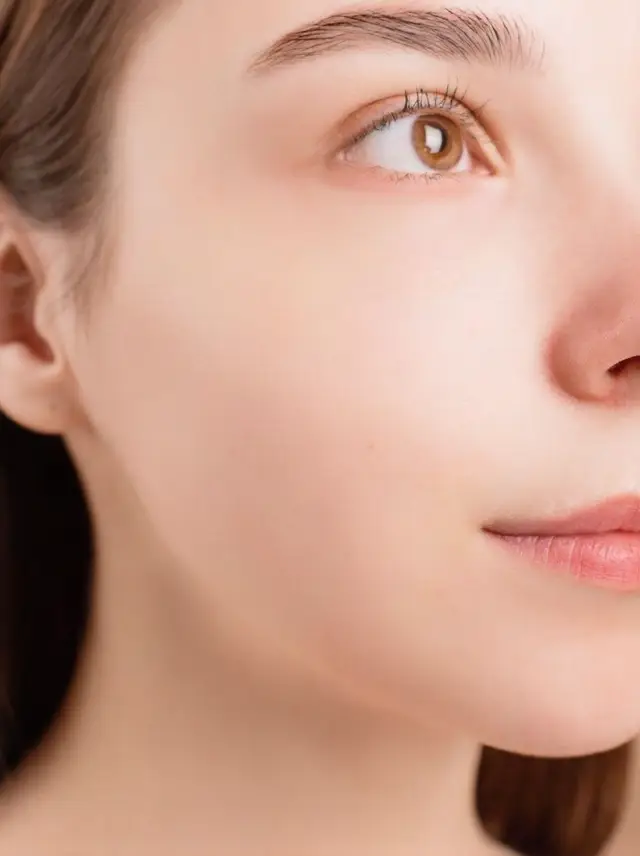
Retouch skin without
losing the face.
Blemishes and redness evened out, pores and freckles kept. Still recognisably the same person.
Choose a photo or drop it hereRetouch a portraitFull resolution · No watermark · Works in your browser
How to retouch portraits in 3 steps
A natural retouch in one tap. The AI evens out skin without changing the face.
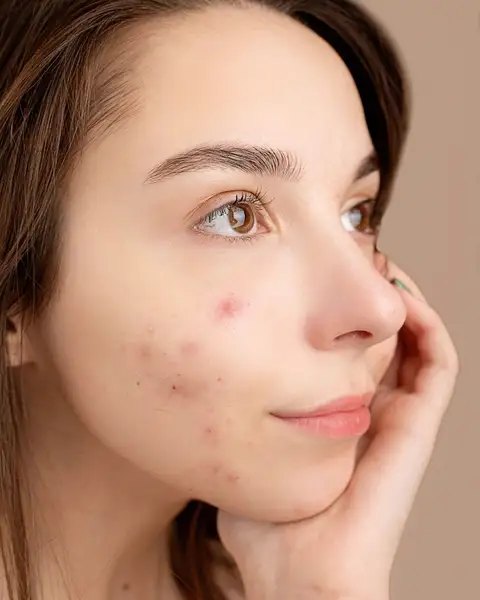 Upload your photoChoose a portrait: a selfie, a headshot or a close-up.
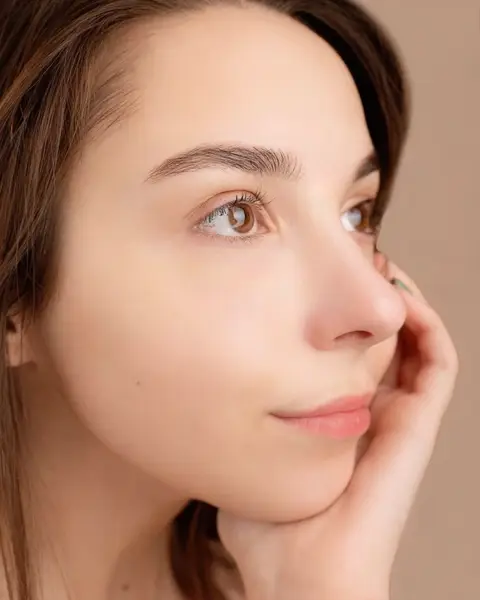 Run RetouchPress Retouch. Blemishes and redness are evened out while texture stays.
- Download the resultCompare with the original, then download the retouched portrait.
Your photos are never used to train AI.
Why people choose PixelPro to retouch portraits
Retouch a portrait- Real skin texturePores and freckles kept, no plastic, airbrushed look.
- Blemishes evened outSpots, marks and redness calmed in one pass.
- Still youSame features, same expression, same person. Nothing is reshaped.
- One tapNo brushes or sliders, the retouch is done for you.
Who is the AI photo retoucher for?
For portraits that should look like you on a good day.
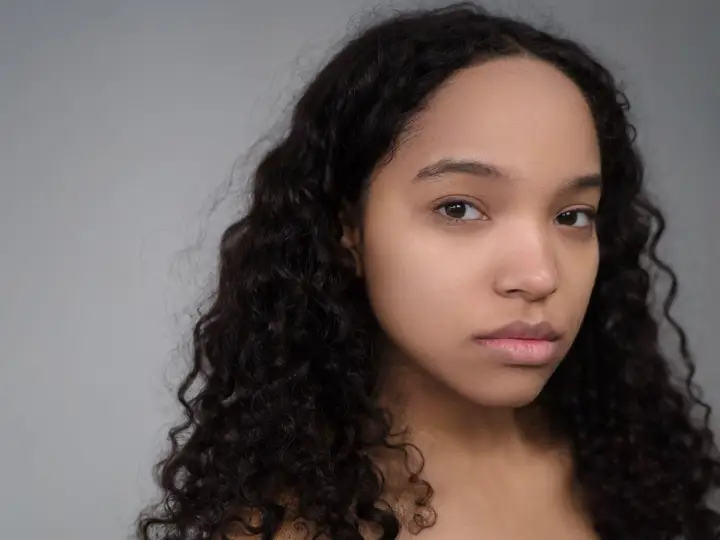 BeforeAfterProfile photosA clean, natural look for LinkedIn, dating and social profiles.
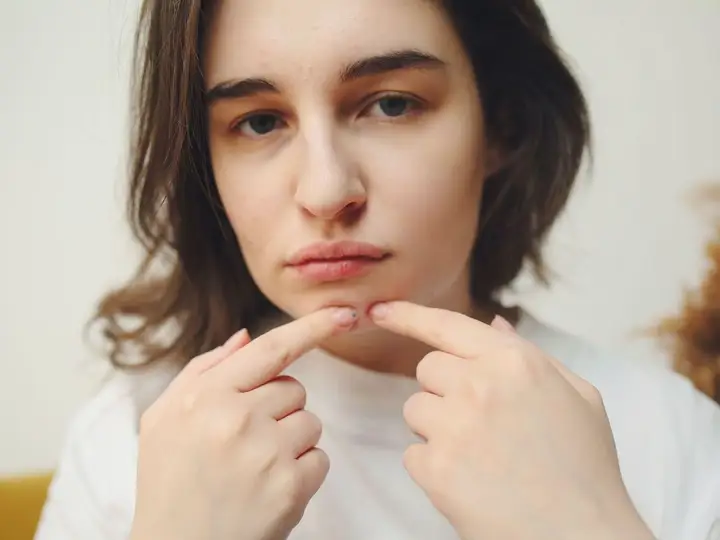 BeforeAfterContent creatorsCamera-ready skin for thumbnails and posts without heavy filters.
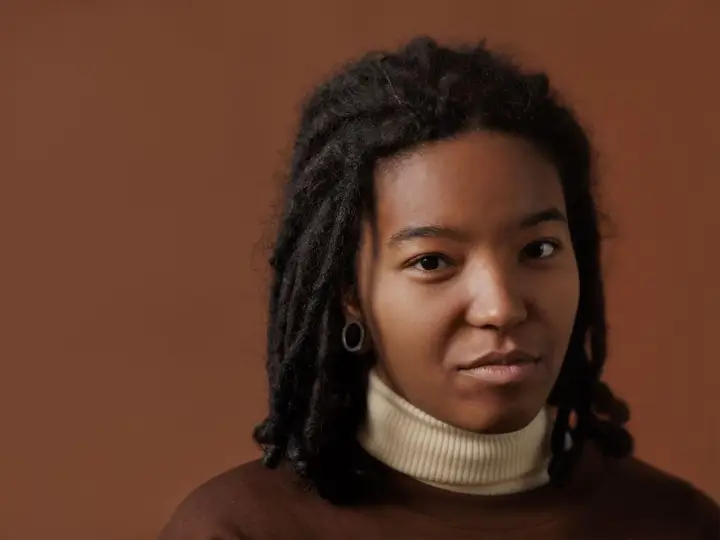 BeforeAfterEvent photosWedding and party portraits touched up before printing.
Everything the AI photo retoucher fixes
What the retoucher evens out, and what it keeps.
Retouch a portrait- BlemishesSpots and marks evened out, one pass.
- RednessIrritation calmed without draining skin colour.
- TexturePores and freckles kept, no plastic skin.
- IdentitySame features, same expression, same person.
Frequently asked questions
Will retouching change my face?
No. It evens out blemishes and redness and keeps your features, expression and skin texture.
What photo works best?
A portrait where the face is clear and in focus. For a group shot, crop to the person first.
Do I need to install anything?
No. PixelPro runs in your browser on any phone or computer, upload, run the tool, download.
Will my photos be used to train AI?
No. Your photos are processed only to produce your result and kept so you can download it again. They are never sold or used for training.
Do downloads have a watermark?
No. Every download is full resolution with no watermark, and you can use it commercially.
How much does it cost?
PixelPro is a subscription with all thirteen tools included. Start at $1.99 for 7 days, then $29.99/month, or save with the quarterly plan. Cancel anytime from your account.