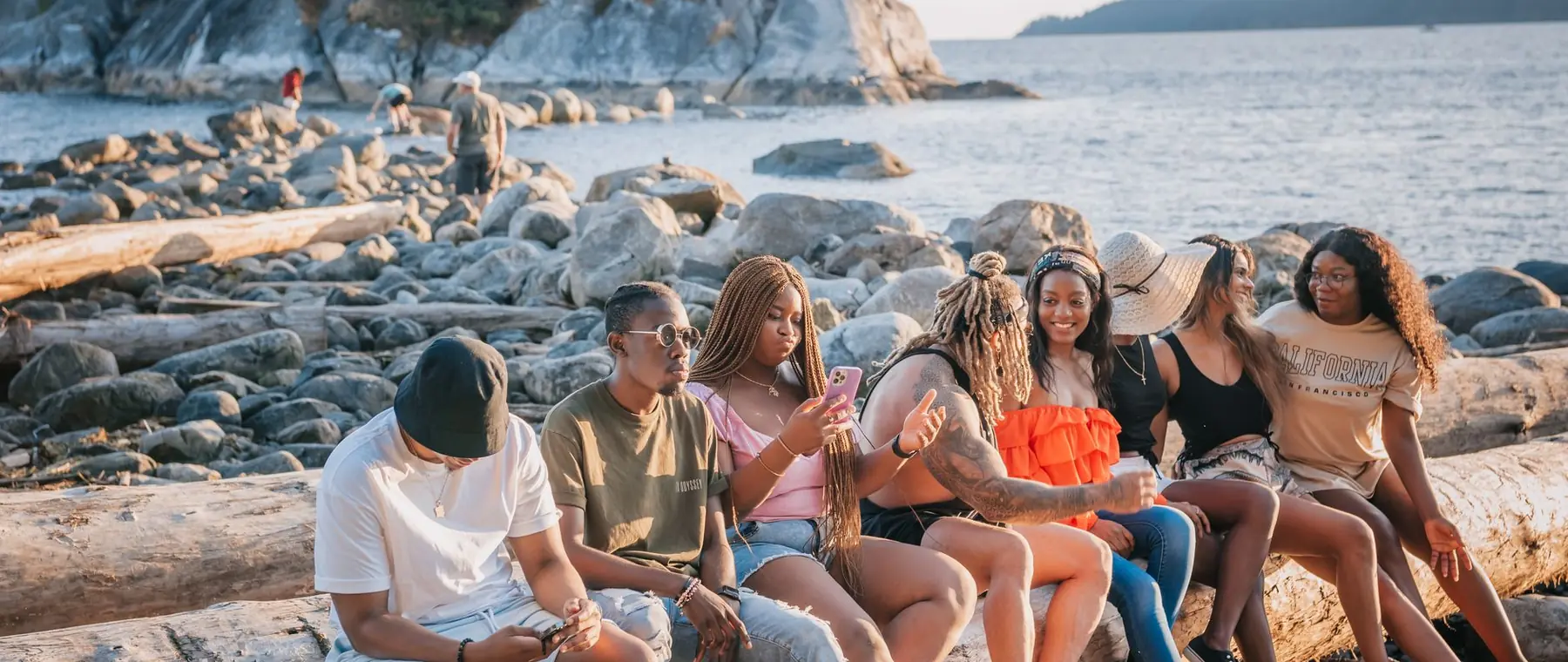

Fix the lighting
in a portrait.
Flat, hazy or harsh light turned into soft light that shapes the face, the same person, the same scene.
Choose a photo or drop it hereFix the lightingFull resolution · No watermark · Works in your browser
Why people choose PixelPro to fix photo lighting
Fix the lighting- Faces relitSoft light that shapes the face, like a reflector held just off camera.
- Haze and glare calmedFlare from windows and low sun pulled back into colour.
- Colour balancedOrange indoor light and blue shade corrected toward natural tones.
- One tapNothing to set up: upload the portrait and press Light.
How to fix photo lighting in 3 steps
Fixing the light takes one tap. The AI relights the person and leaves the scene as it was.
Fix the lighting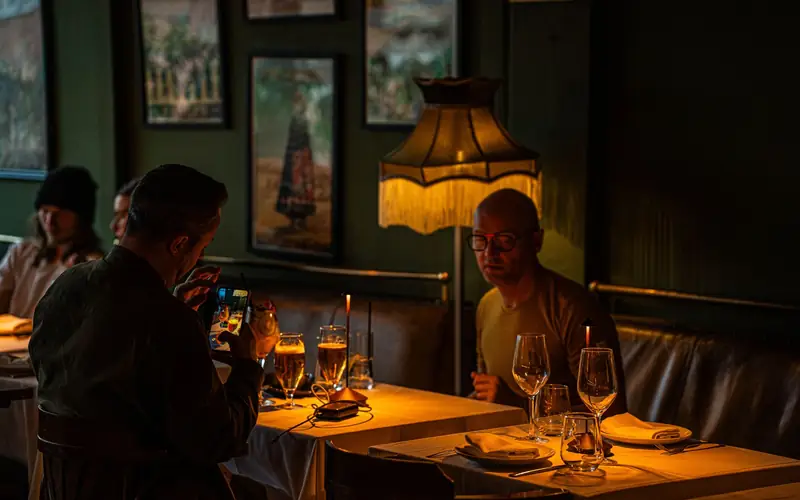
Upload your photo
Choose a portrait where the light was flat, hazy, harsh or too orange.
Run Light
Press Light. The photo is relit in a few seconds.
Download the result
Compare with the original, then download the relit photo.
Who is the lighting fix for?
For photos taken where the light was not on your side.
 Indoor and evening photosRestaurant and party portraits with flat, orange light, relit.
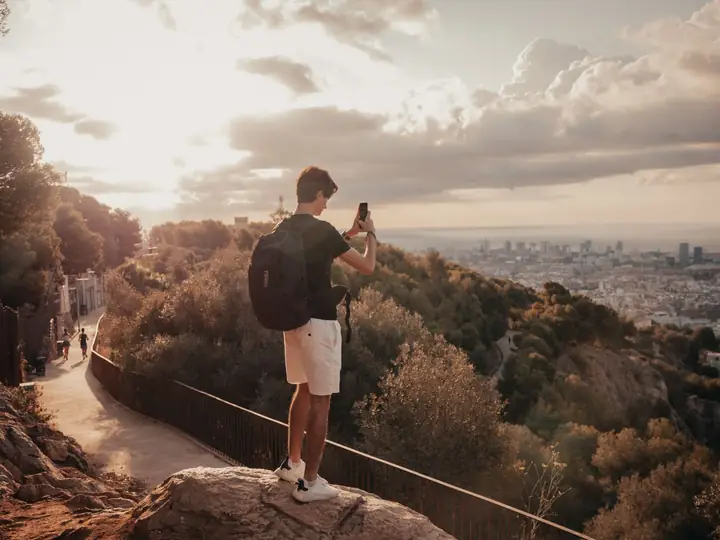 TravellersBacklit and harsh midday portraits balanced.
 Evenings at homePortraits under lamps and screens given soft, natural light.
Try the lighting fix in PixelPro
Pick a portrait with flat or harsh light and see it relit.
Fix the lighting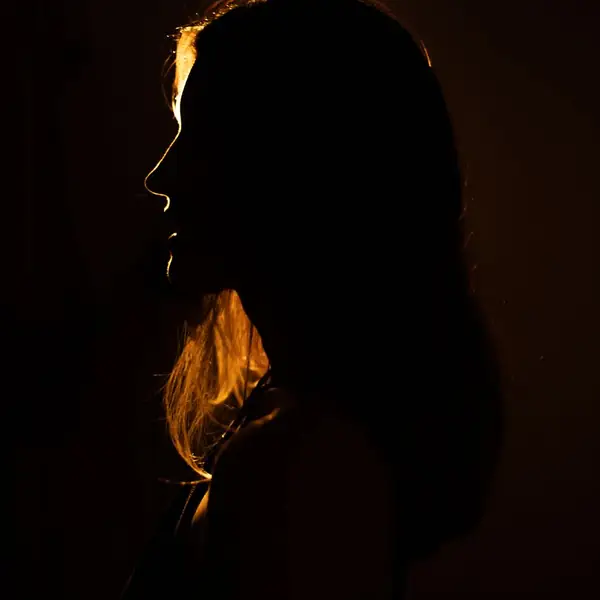
- Light on the faceA soft key light shapes the cheekbones, nose and jaw.
- Haze and glareWashed-out, flared areas pulled back into colour.
- White balanceIndoor orange and shade blue corrected.
- ContrastRebuilt around the subject, not the whole frame.
Frequently asked questions
Can I fix bad lighting without making it look fake?
Yes. The lighting fix relights the person with soft, natural light, no flat, grey HDR look, and the scene around them stays the same.
Does it work on very dark or night photos?
It works best when the face is visible. A photo that is almost black gives the light little to work with, so the change there is small.
Do I need to install anything?
No. PixelPro runs in your browser on any phone or computer, upload, run the tool, download.
Will my photos be used to train AI?
No. Your photos are processed only to produce your result and kept so you can download it again. They are never sold or used for training.
Do downloads have a watermark?
No. Every download is full resolution with no watermark, and you can use it commercially.
How much does it cost?
PixelPro is a subscription with all thirteen tools included. Start at $1.99 for 7 days, then $29.99/month, or save with the quarterly plan. Cancel anytime from your account.