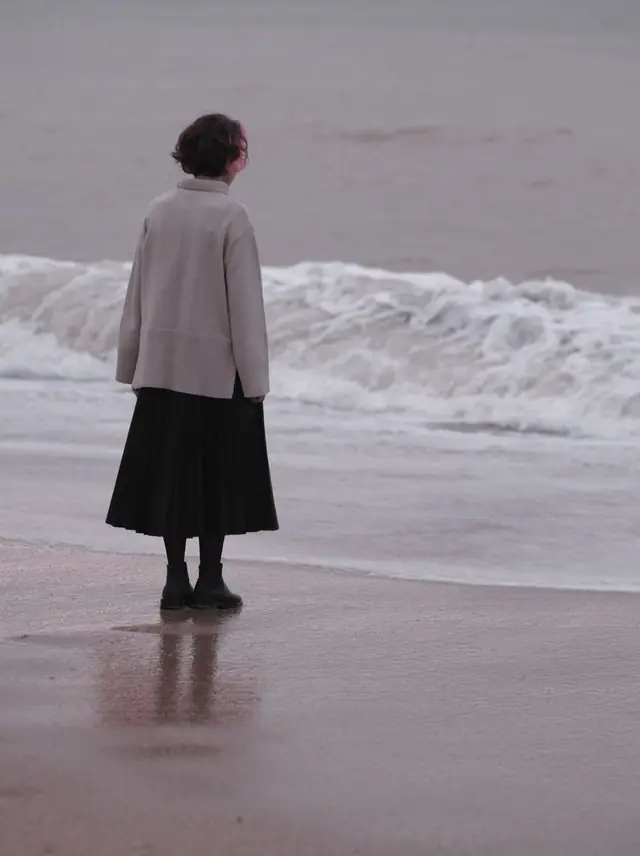
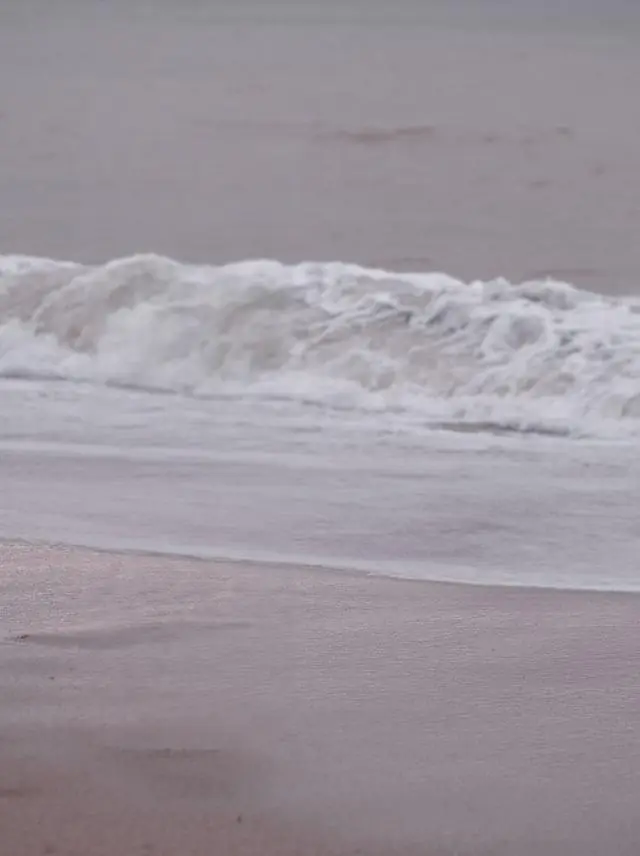
Remove objects
from a photo.
Brush over what you do not want. What was behind it is rebuilt, not smudged.
Choose a photo or drop it hereRemove an objectFull resolution · No watermark · Powered by PixelPro Eraser
How to remove objects from photos in 3 steps
Removing an object takes a brush and a tap. You mark it, the AI fills the gap.
 Upload your photoChoose the photo with something in the way: a stranger, a sign, a bin or a cable.
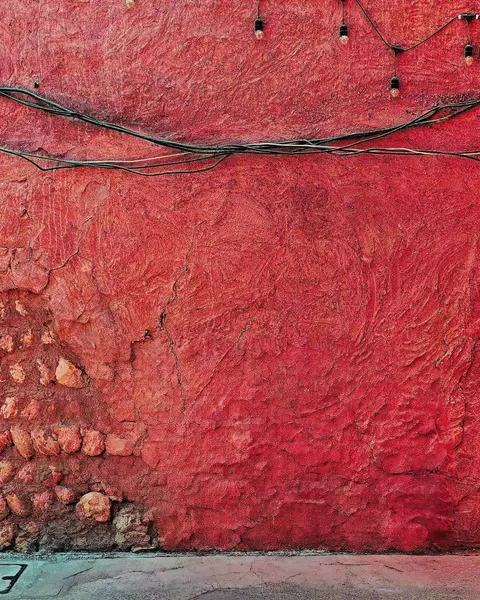 Run Remove objectBrush over what should go and press Remove. The background behind it is rebuilt in seconds.
- Download the resultCheck the result and download the clean photo with no watermark.
Your photos are never used to train AI.
Why people choose PixelPro to remove objects from photos
Remove an object- Brush it and it is gonePaint over the person, sign or cable you do not want, no selection tools to learn.
- Background rebuiltWhat was behind the object is reconstructed, not smudged or blurred over.
- The rest stays untouchedOnly what you brush changes. Faces, colours and everything else stay as photographed.
- Full-resolution resultDownload the clean photo at full size with no watermark.
Who is the object remover for?
For every photo that was almost perfect.
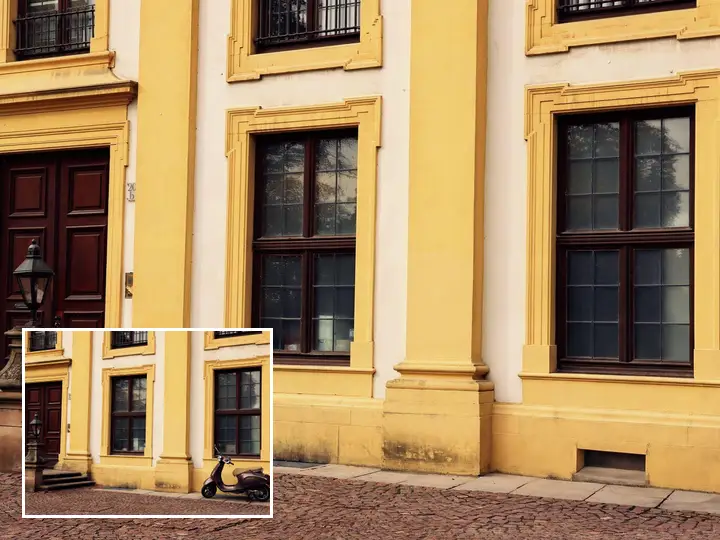 BeforeTravellersTourists and passers-by taken out of the landmark shot.
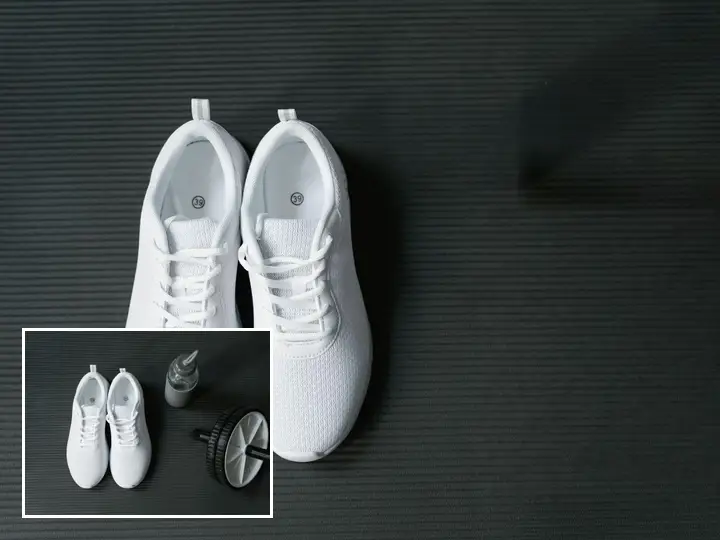 BeforeOnline sellersClutter and props removed from product photos for a clean listing.
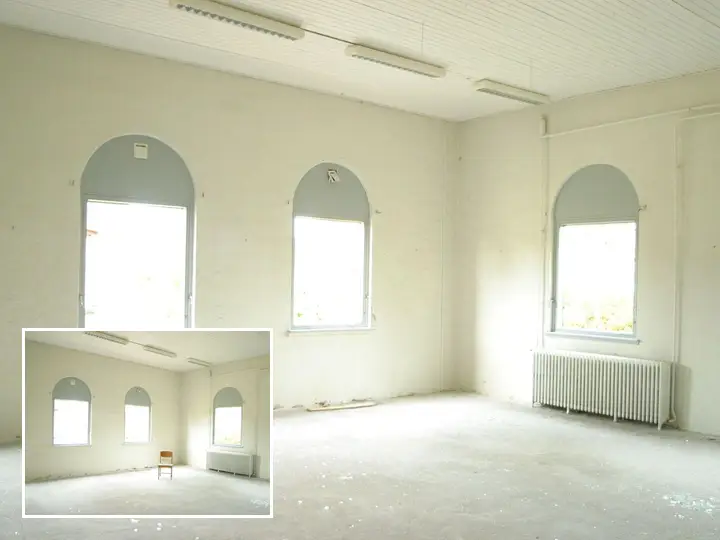 BeforeHomes and listingsBins, cars and cables removed from property photos.
Everything the object remover fixes
What the object remover takes out, and how it fills the gap.
Remove an object- PeopleStrangers in the frame removed, ground and wall rebuilt.
- Text & logosWatermarks, signs and timestamps painted out.
- ClutterCables, bins and stray objects taken out of the scene.
- The gapWhat was behind is reconstructed, not blurred over.
Frequently asked questions
Can I remove a person from a photo?
Yes. Brush over the person and press Remove. The ground, wall or scenery behind them is rebuilt.
Can it remove text or a timestamp?
Yes. Brush over text, signs or timestamps and they are painted out. Only edit photos you have the right to change.
Do I need to install anything?
No. PixelPro runs in your browser on any phone or computer, upload, run the tool, download.
Will my photos be used to train AI?
No. Your photos are processed only to produce your result and kept so you can download it again. They are never sold or used for training.
Do downloads have a watermark?
No. Every download is full resolution with no watermark, and you can use it commercially.
How much does it cost?
PixelPro is a subscription with all thirteen tools included. Start at $1.99 for 7 days, then $29.99/month, or save with the quarterly plan. Cancel anytime from your account.