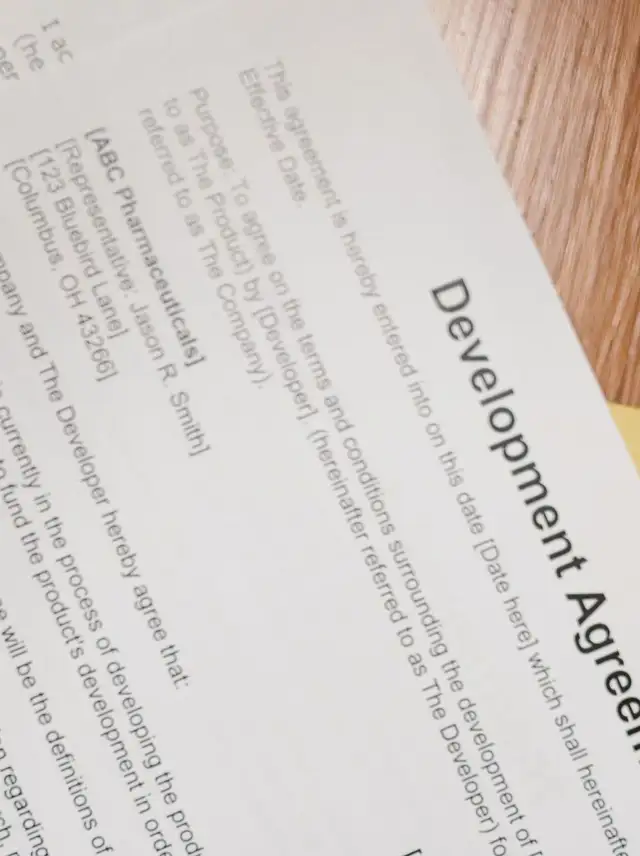
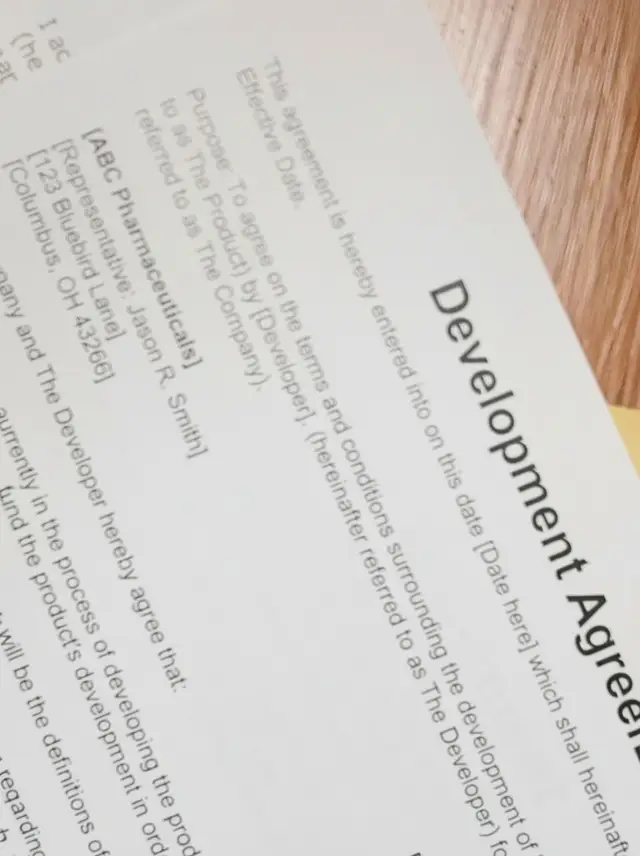
Clean up a scanned
document.
Shadows, colour cast and paper grain removed. Text comes back readable, not bleached.
Choose a photo or drop it hereClean up a scanFull resolution · No watermark · Powered by Nano Banana
How to clean up scanned documents in 3 steps
A phone photo of a page is enough. The AI turns it into a clean scan.
 Upload your photoPhotograph the page with your phone: a receipt, a letter, a form or your notes.
 Run DocumentPress Document. Shadows, colour cast and paper grain are cleaned up in seconds.
- Download the resultDownload a clean, readable image of the page.
Your photos are never used to train AI.
Why people choose PixelPro to clean up scanned documents
Clean up a scan- Shadows removedYour hand and phone shadow lifted off the page.
- Colour cast removedLamp-yellow and shade-blue pages turned back to white.
- Readable textLetters sharpened without bleaching the page white.
- Paper cleanedGrain, creases and yellowing removed.
Who is the document scanner for?
For anyone who needs a clean copy of a page and only has a phone.
 BeforeAfterStudentsNotes, handouts and book pages made readable.
 BeforeAfterFreelancers and small officesReceipts and invoices cleaned up for bookkeeping.
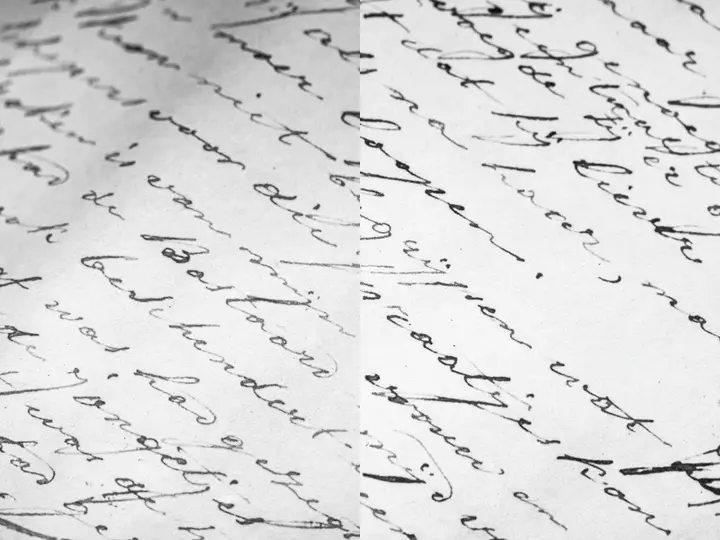 BeforeAfterFamily recordsOld letters and certificates kept as clean copies.
- ShadowsYour hand and phone shadow removed from the page.
- Colour castYellow lamp light and blue shade turned back into white paper.
- PaperGrain, creases and yellowing cleaned.
- TextLetters sharpened without bleaching the page white.
Frequently asked questions
Can I scan a document with my phone?
Yes. Take a photo of the page and PixelPro turns it into a clean, readable scan.
Does it work on receipts and handwriting?
Yes, as long as the text is sharp in the photo. Shadows, colour cast and paper grain are cleaned up around it. Small print that is blurry in the photo can come out wrong, so check numbers against the original.
Do I need to install anything?
No. PixelPro runs in your browser on any phone or computer, upload, run the tool, download.
Will my photos be used to train AI?
No. Your photos are processed only to produce your result and kept so you can download it again. They are never sold or used for training.
Do downloads have a watermark?
No. Every download is full resolution with no watermark, and you can use it commercially.
How much does it cost?
PixelPro is a subscription with all thirteen tools included. Start at $1.99 for 7 days, then $29.99/month, or save with the quarterly plan. Cancel anytime from your account.