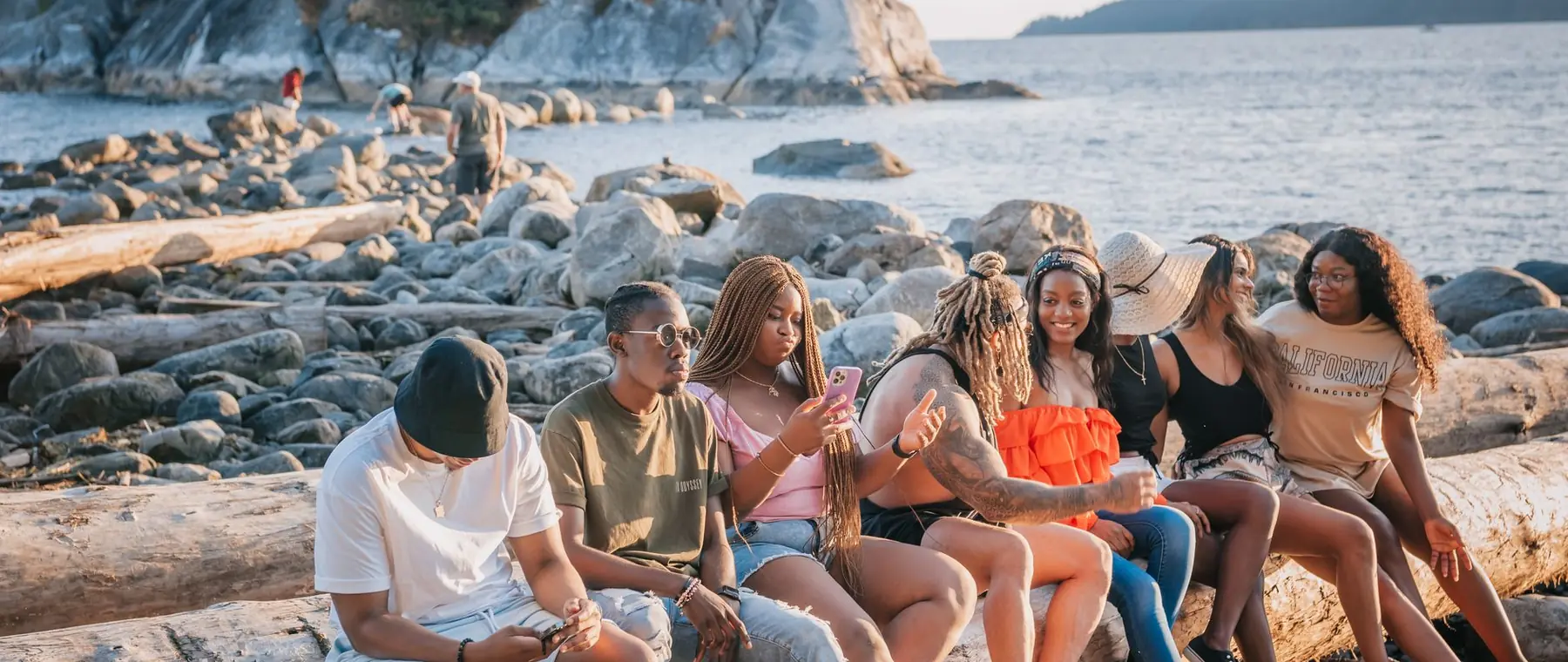

Make a passport photo
at home.
Pick your size, get a plain white background and a head framed to the format. Print sheet included.
Choose a photo or drop it hereMake a passport photoFull resolution · No watermark · Powered by PixelPro Cutout
How to make passport photos in 3 steps
Take a photo against any wall. The background, size and position are handled for you.
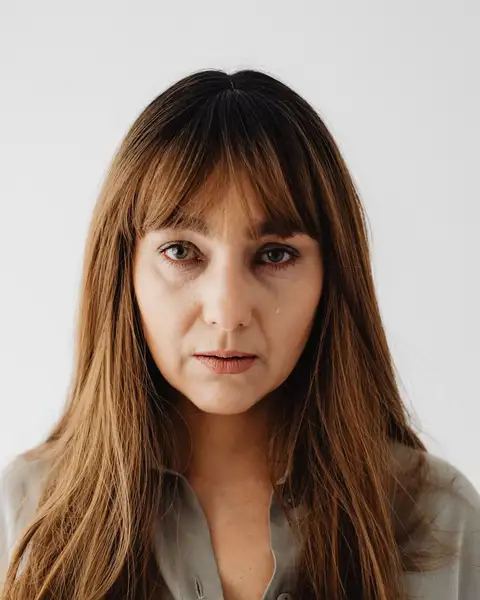 Upload your photoTake a photo facing the camera in even light. Any background is fine.
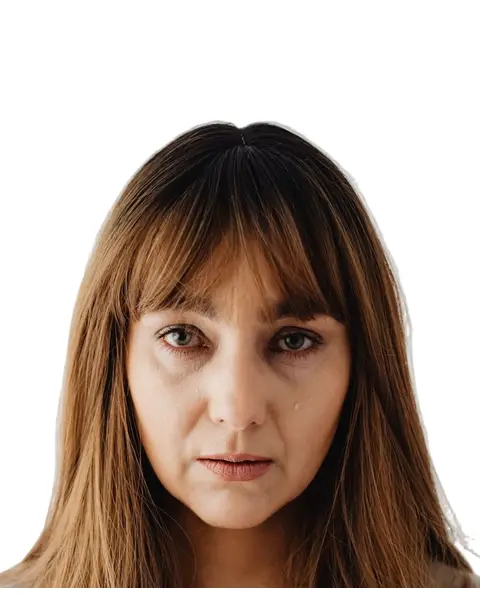 Run ID photoPick 35 × 45 mm, 2 × 2 in, 50 × 60 mm or a square profile and press ID photo.
- Download the resultDownload the photo for online forms, or a 10 × 15 cm print sheet with several copies.
Your photos are never used to train AI.
Sizes you can make
Four sizes, each with its own head framing and a print sheet cut for that size.
- 35 × 45 mmEU, UK...Used for passports, ID cards and visas in the EU and the UK.8 copies per 10 × 15 cm sheet
- 2 × 2 inUSUsed for US passports and visas.6 copies per sheet
- 50 × 60 mmTurkeyUsed for Turkish passports.4 copies per sheet
- SquareProfileNot an official document size. For work badges, school IDs and profile pictures.6 copies per sheet
Check your country’s current photo rules before you print. Size, background colour and head size can differ from one country to the next.
Make a passport photoWhy people choose PixelPro to make passport photos
Make a passport photo- The right size, by country35 × 45 mm for the EU and UK, 2 × 2 in for the US, 50 × 60 mm for Turkey, or a square profile photo.
- A print sheet that fits any printerCopies on a 10 × 15 cm (4 × 6 in) sheet with cut lines, ready for any photo printer or kiosk that prints 10 × 15 cm.
- Plain backgroundThe background is replaced with plain white, evenly toned.
- Head framed to the formatHead size and eye line follow the format’s guide. Check it against your country’s rules before you submit.
Shoot it right: three things before you upload
- Hold the camera at arm’s length, 40 to 50 cm away, with portrait mode off.
- Face a window so daylight lights your whole face, with no shadows.
- Keep your head straight and your face neutral, looking at the lens.
Who is the passport photo maker for?
For anyone applying for a passport, a visa or an ID card.
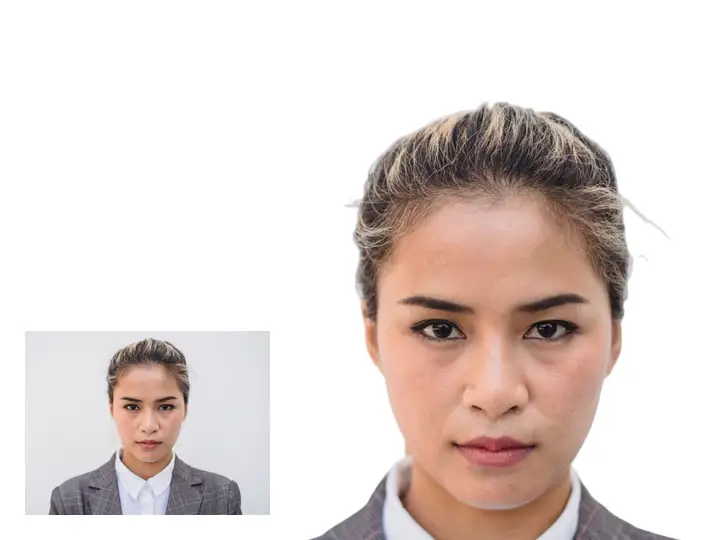 BeforePassport renewalsA passport photo at home, without a booth.
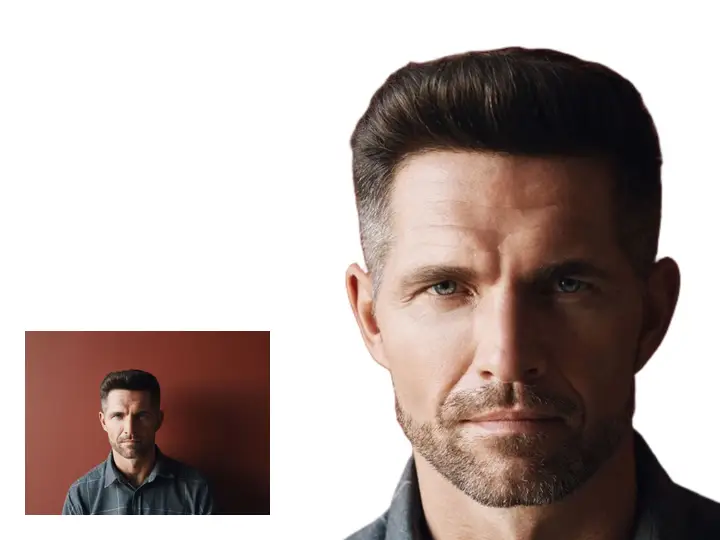 BeforeVisa applicationsYour visa size for forms and online uploads.
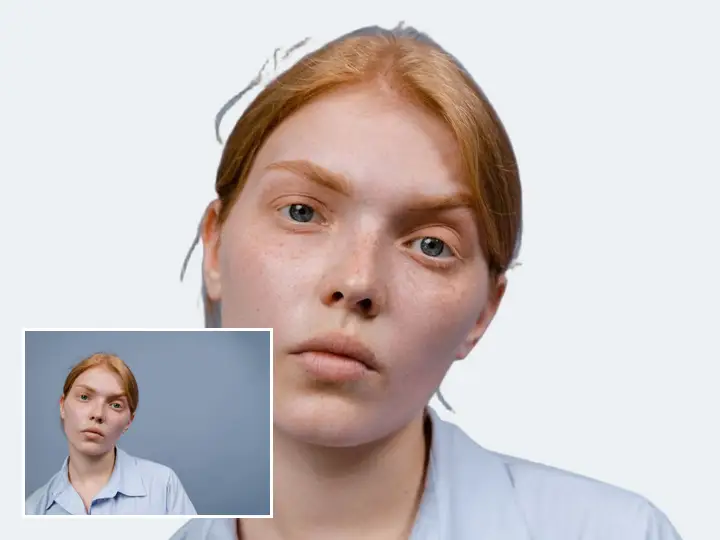 BeforeStudent and work IDsBadge and card photos with a clean, square crop.
Everything the passport photo maker fixes
What the passport photo maker gets right for you.
Make a passport photo- Print sheetCopies laid out on a 10 × 15 cm (4 × 6 in) sheet with cut lines, for any photo printer or kiosk.
- Size35 × 45 mm (EU, UK...), 2 × 2 in (US), 50 × 60 mm (Turkey) or a square profile.
- BackgroundReplaced with plain white, evenly toned.
- Head positionFramed to the format's head size guide; check it before you submit.
Frequently asked questions
Can I take a passport photo at home?
Yes. Take a photo in even light facing the camera; the background, size and head position are set for you. Check the result against your country’s rules before you submit it.
Do I get a printable sheet?
Yes. Download a 10 × 15 cm (4 × 6 in) sheet with cut lines: four 50 × 60 mm photos, eight 35 × 45 mm photos or six 2 × 2 in photos. Any photo printer can run it.
Which sizes are available?
35 × 45 mm (EU, UK...), 2 × 2 in (US), 50 × 60 mm (Turkey) and a square profile photo. Check your country’s current rules before you print.
Will the passport office take my photo?
We cannot promise that. Each country sets its own rules and the issuing authority makes the call. PixelPro frames the head for the size you pick and gives you a plain background, so check your country’s current photo rules before you submit.
What if my photo is rejected?
Whether a photo is rejected is the authority’s decision, not ours. Our own refund rules, which cover your PixelPro purchase, are on the Refund page. Read the refund policy
Do I need to install anything?
No. PixelPro runs in your browser on any phone or computer, upload, run the tool, download.
Will my photos be used to train AI?
No. Your photos are processed only to produce your result and kept so you can download it again. They are never sold or used for training.
Do downloads have a watermark?
No. Every download is full resolution with no watermark, and you can use it commercially.
How much does it cost?
PixelPro is a subscription with all thirteen tools included. Start at $1.99 for 7 days, then $29.99/month, or save with the quarterly plan. Cancel anytime from your account.