Colorize a black
and white photo.
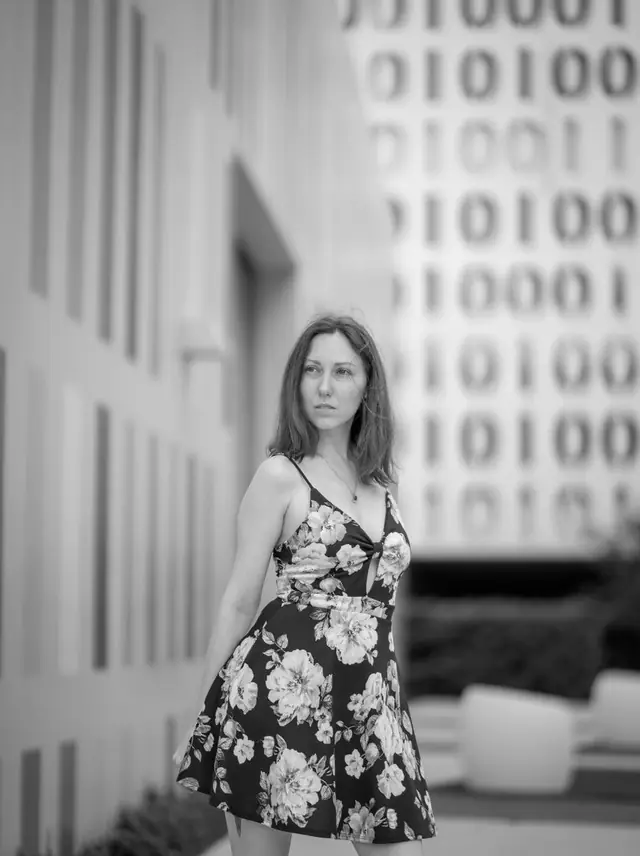
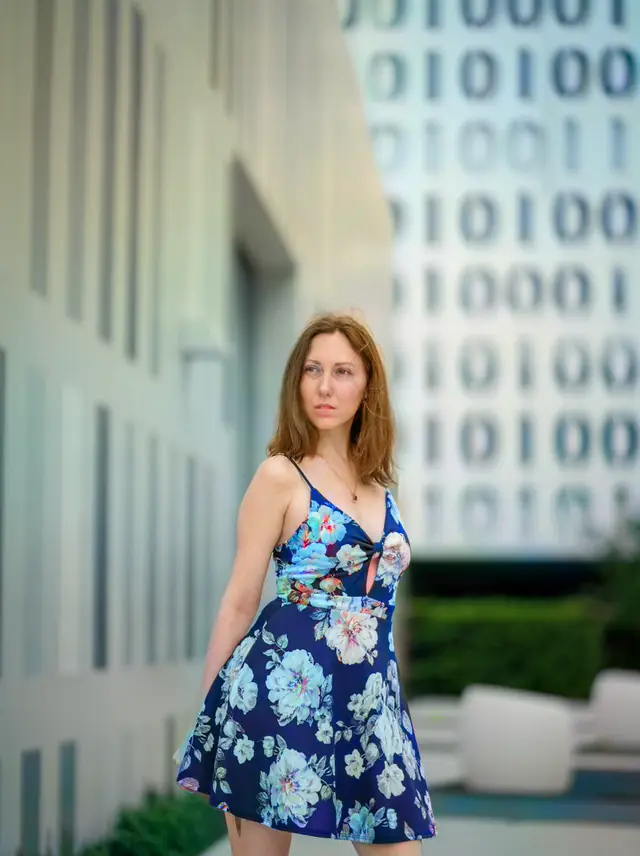
Period-accurate colour: believable skin tones, clothing and surroundings. Nothing moves, nothing is invented.
Choose a photo or drop it hereColorize a photoFull resolution · No watermark · Powered by PixelPro Color
How to colorize photos in 3 steps
Colorizing is one tap. The AI reads the scene and chooses colours that belong in it.
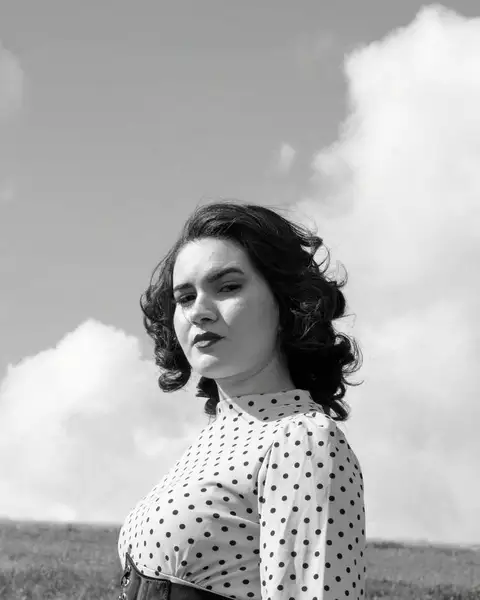 Upload your photoChoose a black-and-white or sepia photo: a scan, a phone photo of a print or a digital file.
 Run ColorizePress Colorize. Skin, clothing and surroundings are coloured in a few seconds.
- Download the resultCompare with the original, then download the colour version with no watermark.
Your photos are never used to train AI.
Why people choose PixelPro to colorize photos
Colorize a photo- Believable skin tonesNatural skin, not orange, the most common failure in colourisation.
- Colours that fit the eraClothing, walls and skies coloured to match when the photo was taken.
- Nothing movesEvery face, shape and detail stays where it was. Only colour is added.
- Works on restored photosRepair scratches first, then colorize the result from My creations without uploading again.
Who is the photo colorizer for?
For anyone who wants to see a black-and-white memory the way it was lived.
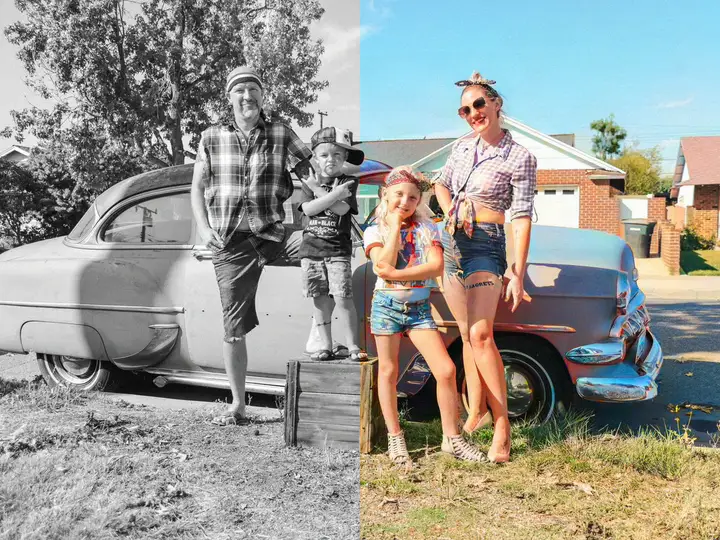 BeforeAfterFamily archivesGrandparents and great-grandparents seen in colour for the first time.
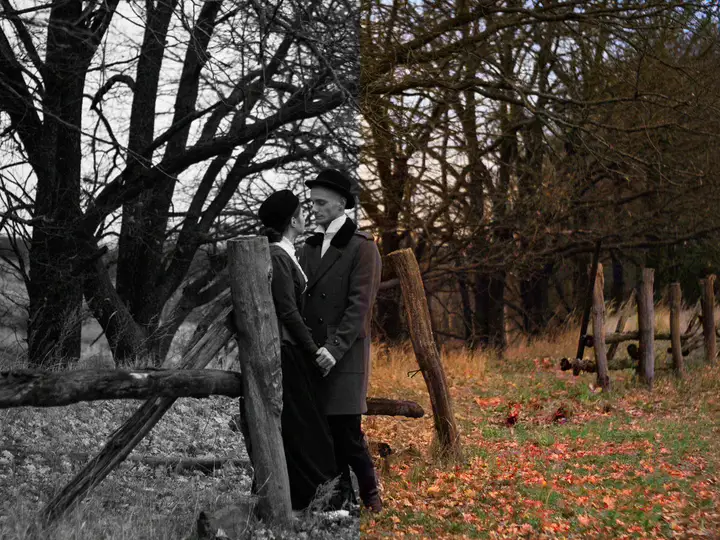 BeforeAfterHistory loversStreet scenes, cars and fashion from another decade brought to life.
 BeforeAfterGiftsA colorized family portrait, printed for a birthday or an anniversary.
Everything the photo colorizer fixes
What the colorizer adds, and what it never changes.
Colorize a photo- Skin tonesBelievable, not orange, the most common failure in colourisation.
- ClothingPeriod-plausible colour instead of random saturation.
- SurroundingsSky, walls and greenery coloured to match the era.
- GeometryEvery detail, face and shape stays exactly where it is.
Frequently asked questions
Are the colours historically accurate?
They are plausible, not recorded. The AI picks colours that fit the era and the scene: skin, clothing, sky, walls. If you know a dress was red, the photo may still show another colour.
Should I repair the photo first?
If it has scratches or creases, yes: run Repair scratch first, then pick the result from My creations and colorize it. Both tools are in the same subscription.
Can I colorize a sepia or faded photo?
Yes. Sepia and faded prints work the same way as black and white. If the print is damaged, restore it first.
Do I need to install anything?
No. PixelPro runs in your browser on any phone or computer, upload, run the tool, download.
Will my photos be used to train AI?
No. Your photos are processed only to produce your result and kept so you can download it again. They are never sold or used for training.
Do downloads have a watermark?
No. Every download is full resolution with no watermark, and you can use it commercially.
How much does it cost?
PixelPro is a subscription with all thirteen tools included. Start at $1.99 for 7 days, then $29.99/month, or save with the quarterly plan. Cancel anytime from your account.