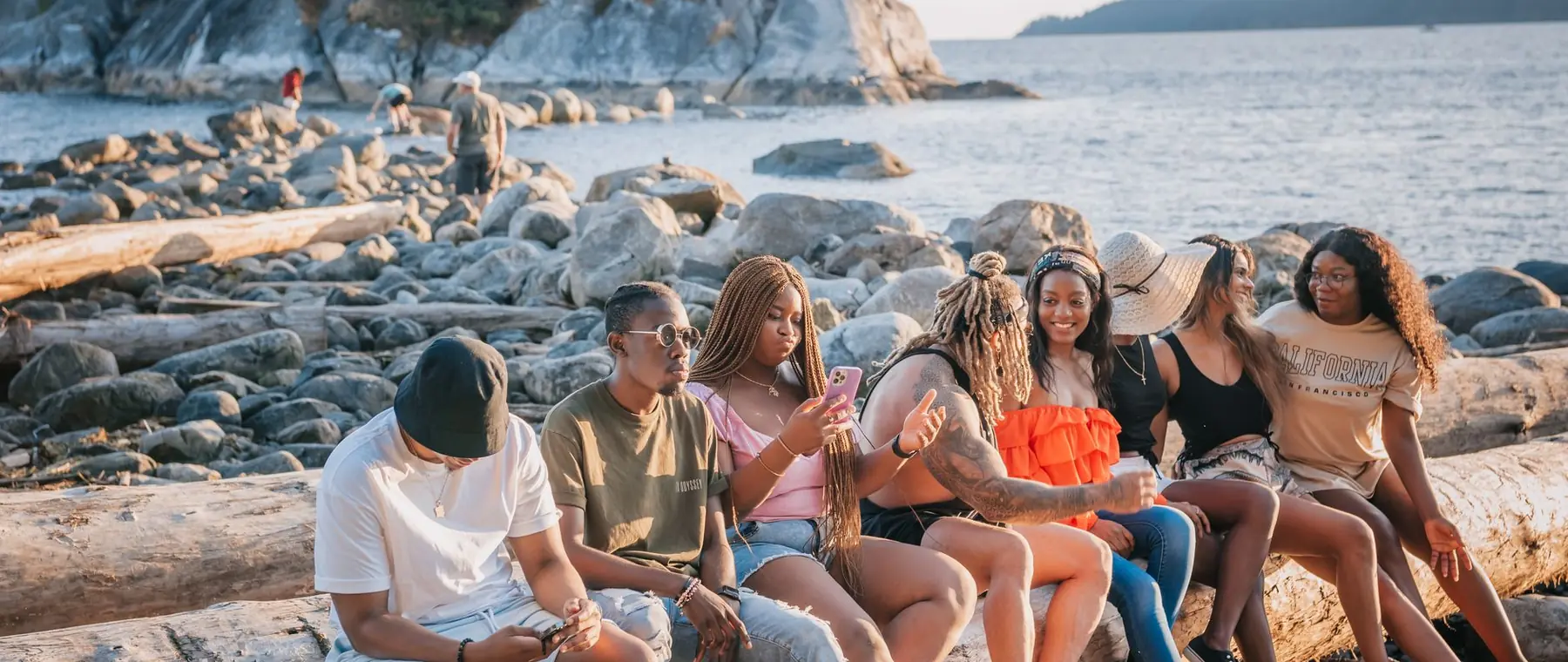

AI photo enhancer.
Sharper in one click.
Soft detail sharpened, noise and compression cleaned up, the same photo, just clearer. No sliders to learn.
Choose a photo or drop it hereEnhance a photoFull resolution · No watermark · Powered by SeedVR2
How to enhance photos in 3 steps
No sliders, no presets to compare. The enhancer reads the photo and fixes what is soft, noisy or compressed.
 Upload your photoChoose a photo from your phone or computer: JPG, PNG, WEBP or HEIC straight off an iPhone, up to 20 MB.
 Run EnhancePress Enhance. The AI sharpens edges, removes noise and cleans up compression in a few seconds.
- Download the resultDrag the slider to compare, then download the full-resolution result with no watermark.
Your photos are never used to train AI.
Why people choose PixelPro to enhance photos
Enhance a photo- Detail you can seeSoft edges, grain and blocky compression cleaned up in one pass, so the photo simply looks clearer.
- The same person, not a new oneFaces are recovered, not repainted. Expression, age and features stay exactly as they were.
- Colours left aloneThe enhancer sharpens and cleans; it does not restyle, beautify or shift your colours.
- Ready to post or printDownload the full-resolution file with no watermark and use it anywhere, commercially too.
Who is the AI photo enhancer for?
Anyone with a photo that matters but came out soft, grainy or squashed by a messaging app.
 BeforeAfterProfiles and social postsA clear profile photo or a crisp post from a shot that came out a little soft.
 BeforeAfterOnline sellersSharper product photos for listings, without a reshoot or a studio.
 BeforeAfterFamily photo keepersPhotos forwarded through chats and old phones, cleaned up before they are printed or shared.
Everything the AI photo enhancer fixes
Four things the enhancer fixes in every photo, without changing what is in it.
Enhance a photo- SharpnessSoft edges and slight camera shake recovered.
- NoiseGrain from low light cleaned without smearing skin.
- CompressionBlocky artefacts from messaging apps and screenshots smoothed out.
- FacesEyes, hair and skin detail rebuilt, the same person, not a new one.
Frequently asked questions
Will the enhancer change how I look?
No. It recovers detail that is soft, noisy or compressed and keeps the same person, pose, clothes and colours. It does not beautify or restyle.
Does it make the photo bigger?
Enhance keeps the original size. To make a photo larger, use Enhance 4K, it brings small photos up to 2160p. Both are in the same subscription.
What kind of photos does the AI photo enhancer work on?
Phone photos, screenshots, photos saved from messaging apps, low-light shots and scans. It is built for real photos of people, places and things.
How long does it take to enhance a photo?
Usually a few seconds. You can start another photo while one is processing, it waits for you in the tray.
Do I need to install anything?
No. PixelPro runs in your browser on any phone or computer, upload, run the tool, download.
Will my photos be used to train AI?
No. Your photos are processed only to produce your result and kept so you can download it again. They are never sold or used for training.
Do downloads have a watermark?
No. Every download is full resolution with no watermark, and you can use it commercially.
How much does it cost?
PixelPro is a subscription with all thirteen tools included. Start at $1.99 for 7 days, then $29.99/month, or save with the quarterly plan. Cancel anytime from your account.