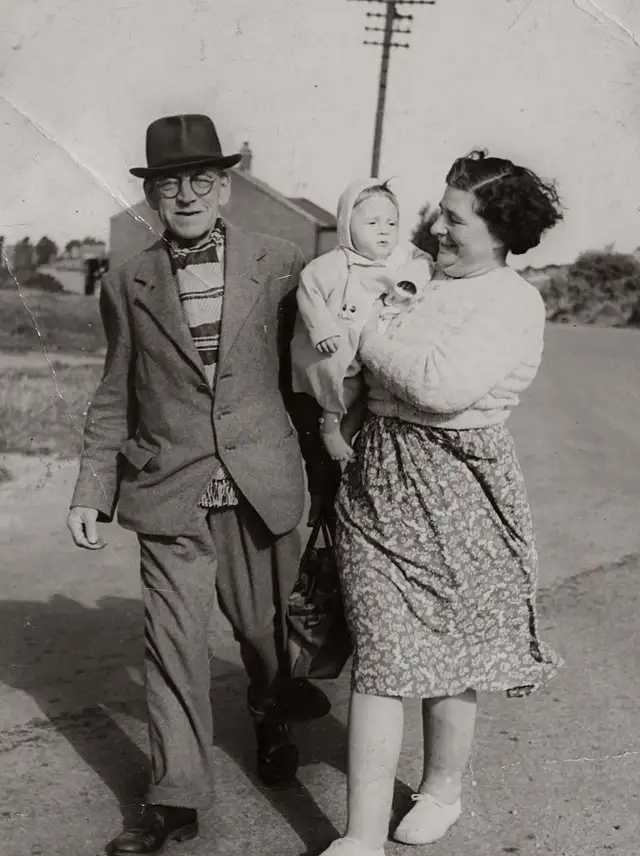
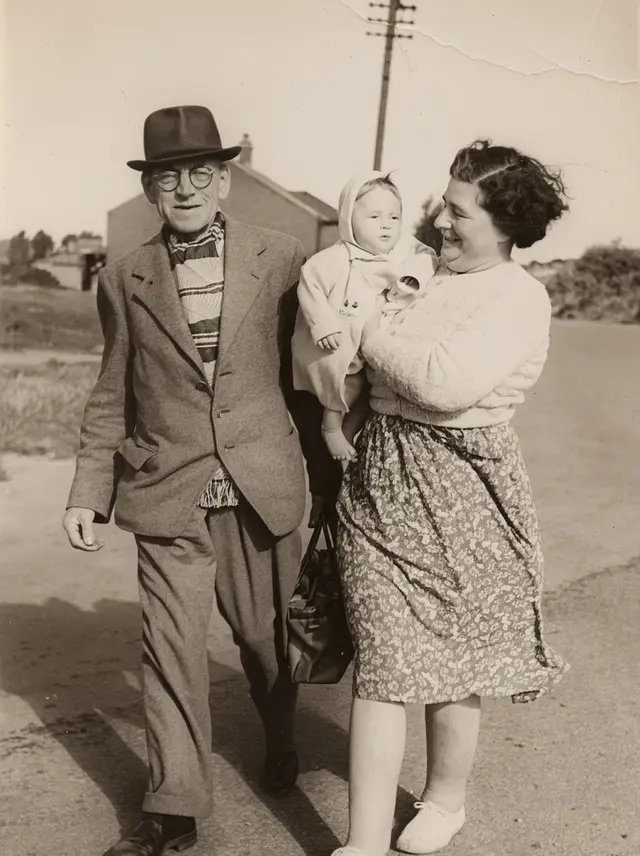
Restore an old
or damaged photo.
Scratches, creases and fading repaired, faces kept exactly as they were.
Choose a photo or drop it hereRestore a photoFull resolution · No watermark · Powered by Nano Banana
How to restore old photos in 3 steps
You do not need a scanner. A clear phone photo of the print is enough to start.
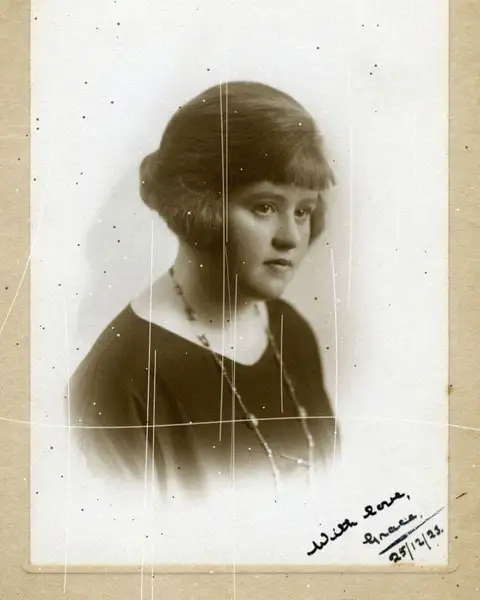 Upload your photoPhotograph or scan the old print: flat, in good light, filling the frame.
 Run Photo restorePress Restore. Scratches, creases, dust and fading are repaired in a few seconds.
- Download the resultCompare with the original, then download the restored photo, or colorize it next.
Your photos are never used to train AI.
Why people choose PixelPro to restore old photos
Restore a photo- Damage repaired, history keptScratches, creases and tears are filled in from the photo around them.
- Faces exactly as they wereSame features, same age, same era, nothing is beautified or modernised.
- Fading brought backWashed-out contrast and yellowing restored so the photo reads again.
- From phone photo to printPhotograph the print with your phone, restore it and download it ready to frame.
Who is the old photo restorer for?
For families, archivists and anyone holding a photo that is older than they are.
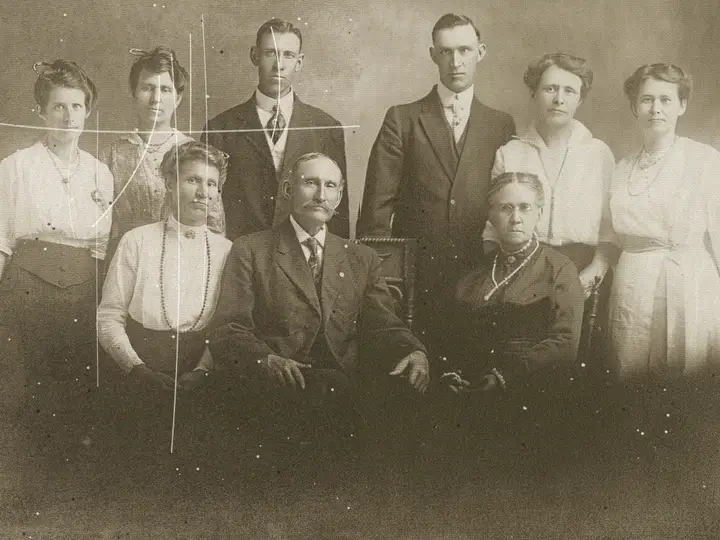 BeforeAfterFamily historiansGrandparents’ portraits and albums repaired before they fade any further.
 BeforeAfterGifts and anniversariesA restored wedding or childhood photo, printed and framed.
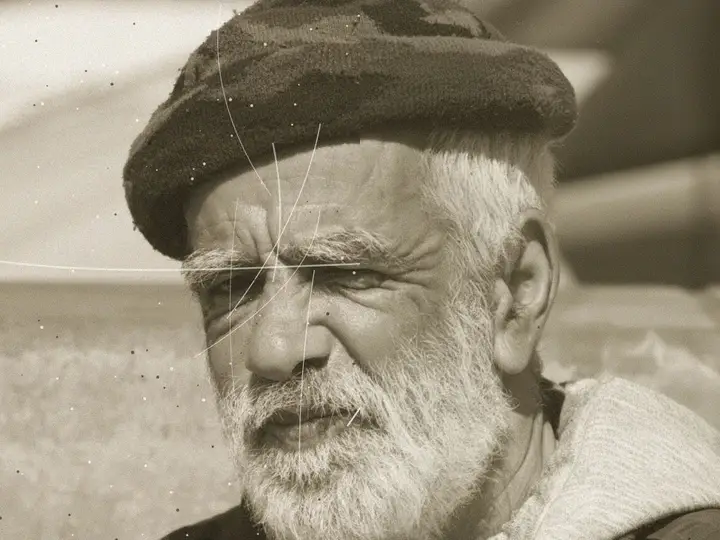 BeforeAfterGenealogy and archivesOld prints and letters brought back for family trees and records.
Everything the old photo restorer fixes
The damage the restorer repairs, and what it leaves untouched.
Restore a photo- Scratches & tearsLines, cracks and torn corners filled in from the photo around them.
- CreasesFold marks from albums and wallets smoothed away.
- FadingWashed-out contrast and yellowing brought back.
- FacesKept exactly as they were, same features, same age, same era.
Frequently asked questions
Will restoring change the faces?
No. Faces are kept as they were, the repair works on the scratches, creases, dust and fading around them.
Can I add colour too?
Yes. Run the restored photo through Colorize, pick it from My creations, no need to upload again. Both tools are in the same subscription.
Do I need a scanner to restore an old photo?
No. A sharp phone photo of the print works. Lay it flat, avoid glare and fill the frame.
Do I need to install anything?
No. PixelPro runs in your browser on any phone or computer, upload, run the tool, download.
Will my photos be used to train AI?
No. Your photos are processed only to produce your result and kept so you can download it again. They are never sold or used for training.
Do downloads have a watermark?
No. Every download is full resolution with no watermark, and you can use it commercially.
How much does it cost?
PixelPro is a subscription with all thirteen tools included. Start at $1.99 for 7 days, then $29.99/month, or save with the quarterly plan. Cancel anytime from your account.