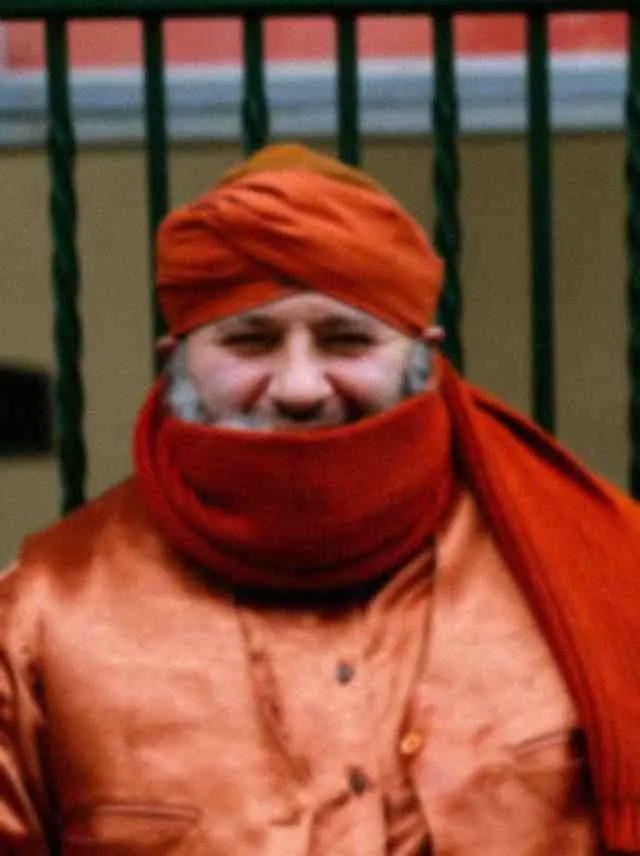
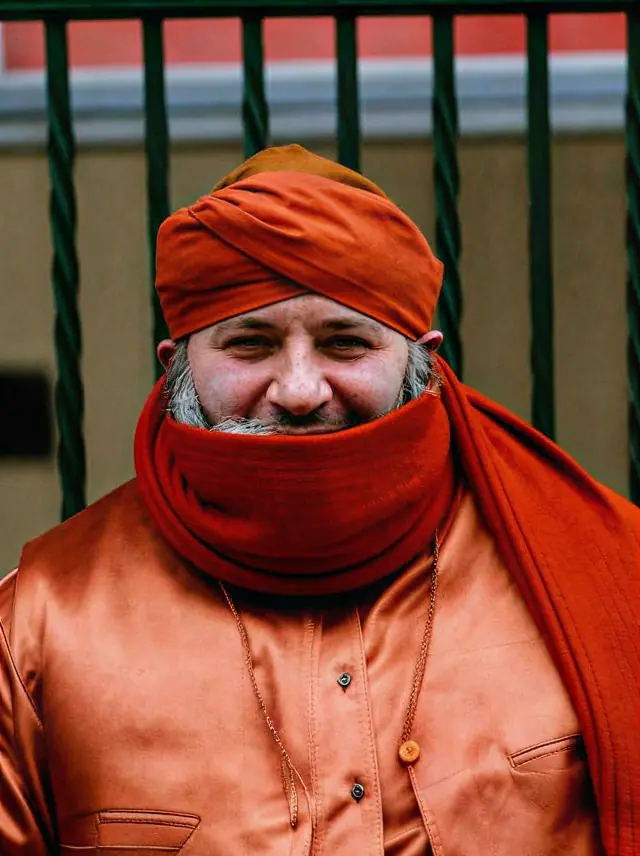
Unblur a photo
in one click.
Slight camera shake and soft focus recovered at the original size. Full resolution, no watermark.
Choose a photo or drop it hereUnblur a photoFull resolution · No watermark · Powered by SeedVR2
How to unblur photos in 3 steps
Unblurring is one upload and one tap. The AI finds where the blur is and recovers the detail behind it.
 Upload your photoChoose the blurry photo: a shaky phone shot, a missed focus point or a picture from a dim room.
 Run UnblurPress Unblur. Camera shake and soft focus are recovered in a few seconds, at the original size.
- Download the resultCompare the two sides, then download the sharper photo with no watermark.
Your photos are never used to train AI.
Why people choose PixelPro to unblur photos
Unblur a photo- Shake and soft focus, recoveredEdges doubled by a moving hand are pulled back toward one clean line.
- Faces stay facesEyes, hair and skin are recovered, not redrawn, the same expression and features.
- No sliders to fiddle withOne tap. The AI decides how much sharpening the photo can take.
- Full-resolution downloadThe same size as your original, no watermark, ready to share or print.
Who is the photo unblur tool for?
For the shot you cannot take again, the moment was real, the focus was not.
 BeforeAfterParents and pet ownersKids and pets never hold still. Rescue the shot where the expression was perfect and the edges were not.
 BeforeAfterEvent guestsWeddings, concerts and parties in dim light, recover the photos taken in a rush.
 BeforeAfterTravellersA once-only view shot from a moving bus or boat, brought back to clear.
Everything the photo unblur tool fixes
What the unblur tool recovers, everything else stays exactly as it was.
Unblur a photo- Camera shakeDoubled, smeared edges from a moving hand pulled back toward one clean line.
- Soft focusA missed focus point sharpened where it matters, eyes, edges, text.
- Low lightThe blur and grain of a dim room cleaned up together.
- FacesRecovered, not repainted: the same expression and features.
Frequently asked questions
Can it fix any blurry photo?
It works best on slight camera shake and soft focus. If the subject is a smear (heavy motion or far out of focus), there is too little left to recover: the photo comes back clearer, not sharp.
Does unblurring make the photo bigger?
No, it keeps the original size. To enlarge as well, run the result through Enhance 4K, pick it from My creations, no need to upload again.
How do I unblur a picture on my phone?
Open PixelPro in your phone browser, choose the photo from your camera roll and press Unblur. There is nothing to install.
Do I need to install anything?
No. PixelPro runs in your browser on any phone or computer, upload, run the tool, download.
Will my photos be used to train AI?
No. Your photos are processed only to produce your result and kept so you can download it again. They are never sold or used for training.
Do downloads have a watermark?
No. Every download is full resolution with no watermark, and you can use it commercially.
How much does it cost?
PixelPro is a subscription with all thirteen tools included. Start at $1.99 for 7 days, then $29.99/month, or save with the quarterly plan. Cancel anytime from your account.